The news dropped like a bomb on the animation community. Adobe Animate, the software that built careers, launched studios, and defined an entire generation of web animation, is entering maintenance mode.
For those of us who remember queuing up in college computer labs to learn Macromedia Flash back in the 90s, this announcement carries a profound weight that goes beyond mere software discontinuation.
After over 25 years of continuous development, Adobe has confirmed that Animate will no longer receive new features, though it will remain available with security updates and bug fixes indefinitely.
The Journey from Macromedia Flash to Adobe Animate
I first encountered FutureSplash Animator in 1996. It was lightweight, intuitive, and ran on machines that would make today’s smart toasters look powerful. When Macromedia acquired it and renamed it Flash, everything changed.
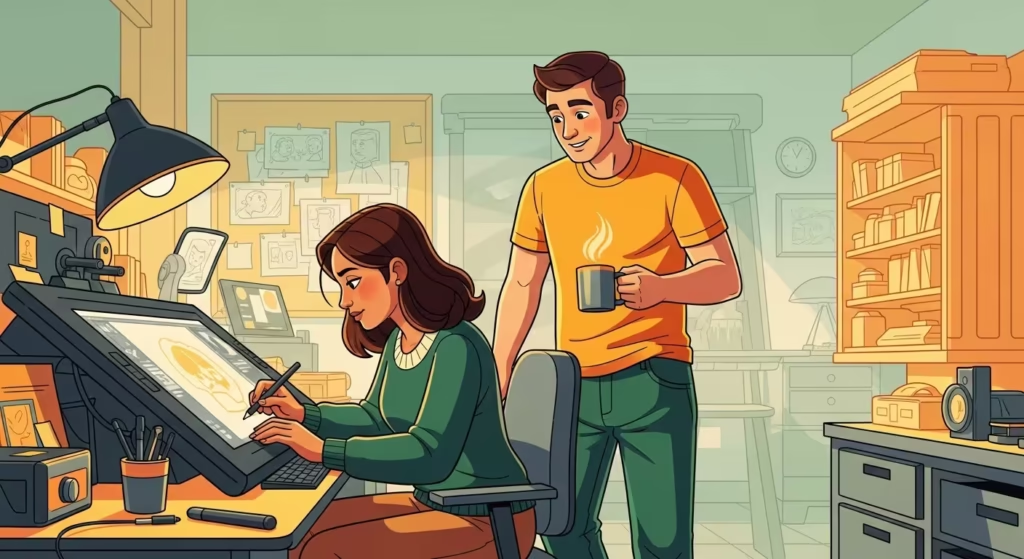
Flash became the beating heart of early internet culture. Every animator I knew at design school was obsessing over it. We created interactive portfolios, experimental animations, and genuinely believed we were witnessing the birth of a new artistic medium.
The software evolved through Macromedia’s ownership before Adobe acquired the company in 2005.
What followed was a long transition period that saw Flash Professional eventually rebrand as Adobe Animate in 2015.
| Era | Software Name | Key Development |
|---|---|---|
| 1996 | FutureSplash Animator | Original vector animation tool |
| 1996-2005 | Macromedia Flash | Web animation standard |
| 2005-2015 | Adobe Flash Professional | Integration with Creative Suite |
| 2015-2026 | Adobe Animate | HTML5 Canvas and WebGL support |
| 2026-Present | Adobe Animate (Maintenance Mode) | Security updates only |
Why Adobe Made This Decision
According to Adobe’s FAQ, the company states that “as technologies evolve, new platforms and paradigms emerge that better serve the needs of the users.” Reading between the lines, this decision aligns with Adobe’s aggressive pivot towards AI-driven tools like Firefly.
The initial announcement on 2 February 2026 caused significant confusion.
Adobe originally planned to discontinue the software entirely on 1 March 2026, with support ending in 2027 for individual users and 2029 for enterprise customers.
Following widespread backlash from creators, including David Firth of Salad Fingers fame and the team behind Chikn Nuggit, Adobe reversed course within days.
The compromise places Animate into maintenance mode indefinitely. It will continue receiving security patches and bug fixes, but no new features will be developed.
How This Affects Animation Studios Today
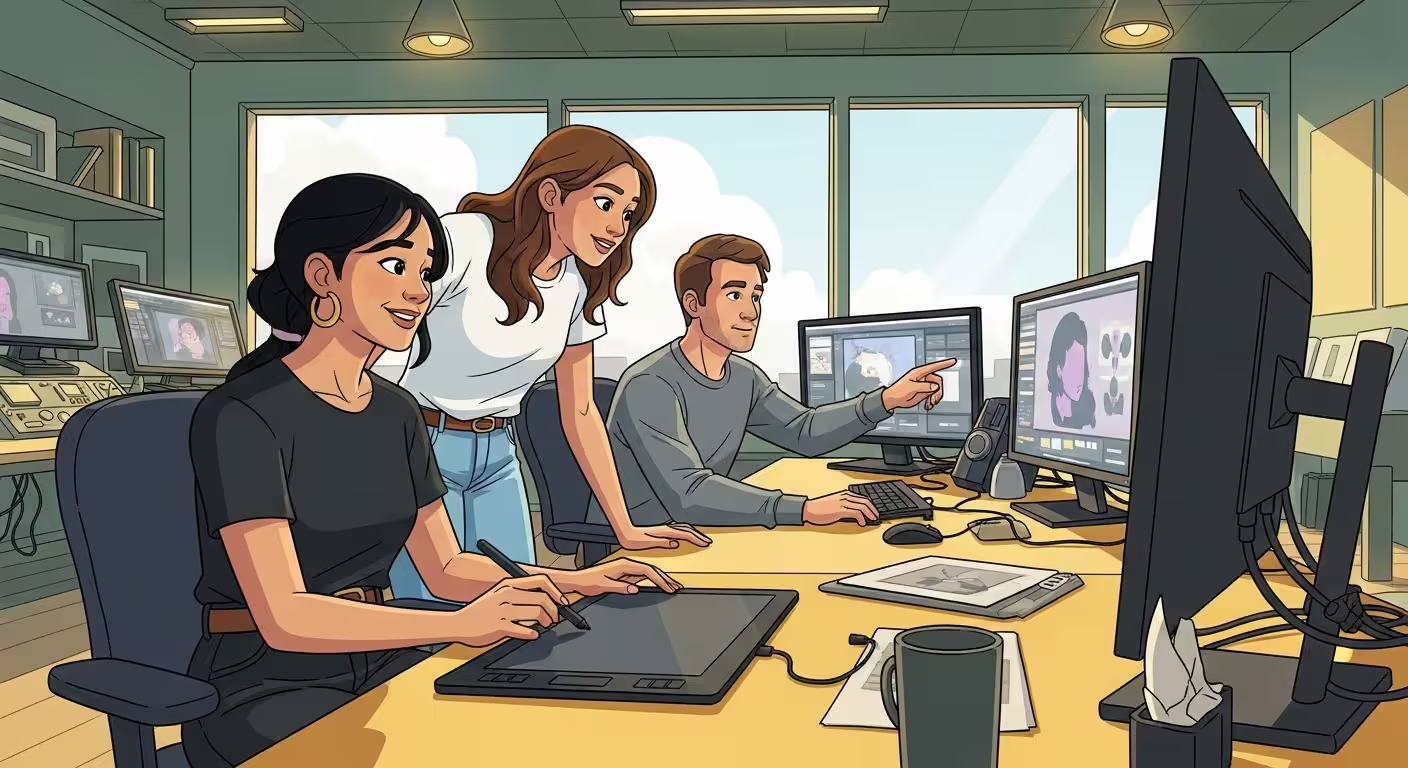
For studios currently in production, the implications vary depending on workflow dependencies. The good news is that existing projects can continue without immediate disruption. The concerning reality is that pipeline investments made over years now face an uncertain future.
Studios face several immediate challenges. Asset libraries built over decades within the FLA and XFL format ecosystem cannot be easily migrated.
Training investments in Animate-specific skills may need redirecting. Integration with other Adobe products, while still functional, will not receive improvements.
The situation proves particularly difficult for smaller operations. Independent animators and boutique studios often lack the resources to pivot quickly. When your entire workflow centres on a single tool, discovering that tool has entered hospice care is genuinely distressing.
Steps Studios Can Take Right Now
The window for strategic planning remains open. Studios should consider several practical measures in the coming months.
First, conduct a comprehensive audit of all Animate project files. Adobe recommends exporting FLA and XFL files to formats such as SWF, SVG, and MP4 while full functionality remains available. This preservation work should begin immediately.
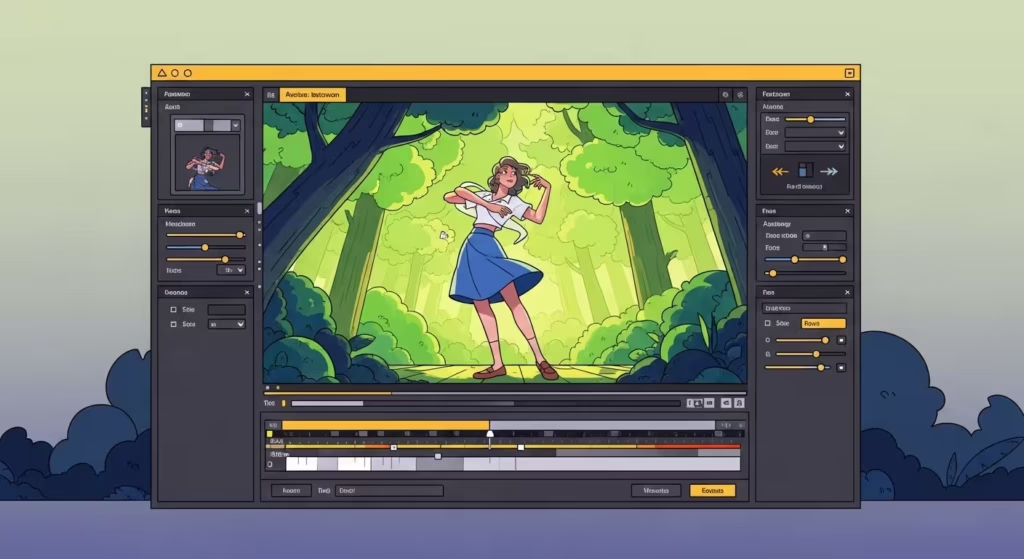
Second, begin evaluating alternative software options against your specific workflow requirements. The right replacement depends entirely on what type of animation work dominates your pipeline.
Third, invest in cross-training staff on alternative platforms before Animate-specific knowledge becomes the only skill set in your team’s toolkit. Parallel workflows during the transition period will ease the eventual migration.
Fourth, document your current processes thoroughly. When moving to new software, understanding exactly how your team uses Animate helps identify which alternatives best match those needs.
The Best Adobe Animate Alternatives in 2026
The good news is that the animation software landscape has matured significantly since Flash first revolutionised web content. Several robust alternatives now exist for different use cases.
Toon Boom Harmony
Widely regarded as the industry standard for professional television and film animation. Major studios use Harmony for productions requiring sophisticated rigging, compositing, and effects work.
The learning curve is steep and the price point reflects its professional positioning, but the feature set is comprehensive.
Moho (formerly Anime Studio)
Moho offers vector-based character animation with bone rigging similar to Animate’s approach. Its Smart Bones system provides advanced deformation controls that many former Flash users find familiar. Available in both consumer and professional versions.
OpenToonz
This open-source option gained attention after Studio Ghibli released their customised version. OpenToonz supports both traditional and digital animation workflows, making it attractive for studios combining hand-drawn and digital techniques. The price cannot be beaten.
Blender with Grease Pencil
Blender’s Grease Pencil tool enables true 2D animation within a 3D environment. Entirely free and open-source, it appeals to animators looking to merge 2D and 3D workflows without software costs.
Synfig Studio
Another open-source alternative, Synfig excels at vector-based animation with bone rigging capabilities. Its parameter linking system allows for complex automated animations, though the interface takes some adjustment.
Krita
Best suited for traditional frame-by-frame animation with onion skinning and timeline controls. Krita functions primarily as a digital painting application but includes animation features suited to hand-drawn work.
Pencil2D
A lightweight, beginner-friendly option for simple frame-by-frame animation. Pencil2D runs on Windows, macOS, and Linux, making it accessible across platforms.
Comparing Adobe Animate Alternatives
| Software | Best For | Rigging Support | Price | Platform |
|---|---|---|---|---|
| Toon Boom Harmony | Professional TV/Film | Advanced | Subscription | Windows, macOS |
| Moho Pro | Character Animation | Smart Bones | One-time purchase | Windows, macOS |
| OpenToonz | Traditional/Digital Hybrid | Basic bone rigging | Free | Windows, macOS, Linux |
| Blender Grease Pencil | 2D/3D Hybrid Work | Full 3D rigging | Free | Windows, macOS, Linux |
| Synfig Studio | Vector Animation | Bone system | Free | Windows, macOS, Linux |
| Krita | Frame-by-Frame | None | Free | Windows, macOS, Linux |
| Pencil2D | Simple Animations | None | Free | Windows, macOS, Linux |
The Broader Implications for Animation
This development raises uncomfortable questions about software dependency in creative industries. Adobe’s pivot towards AI represents a strategic gamble on where the company sees its future.
For animation professionals, the lesson becomes clear. Diversification of skills and tools provides insurance against corporate decisions outside our control. The subscription model that defines modern creative software means we rent our tools rather than own them, making us vulnerable to exactly this type of discontinuation.
The outcry that forced Adobe’s reversal demonstrates collective creator power.
When enough voices unite against decisions that harm working artists, companies listen. This should encourage more active community engagement with the platforms we depend upon.
Frequently Asked Questions
Is Adobe Animate completely shutting down?
No. Following community backlash, Adobe reversed its initial discontinuation plan. Animate now enters maintenance mode indefinitely, meaning it remains available but will not receive new features.
Will my Adobe Animate files still work?
Yes. Existing Animate installations will continue functioning, and Adobe will provide security updates and bug fixes. However, users should export important files to standard formats like MP4 or SVG as a precaution.
What is the best free alternative to Adobe Animate?
OpenToonz and Blender’s Grease Pencil offer professional-grade features without cost. Both support complex animation workflows and have active development communities.
Can I still purchase Adobe Animate?
Adobe Animate remains available through Creative Cloud subscriptions. The software is accessible to both new and existing customers.
Should studios migrate away from Adobe Animate immediately?
Not necessarily. The maintenance mode announcement gives studios time to plan thoughtful transitions. Rushing migration without proper evaluation could create more problems than it solves.