For years, Pinterest was the undisputed king of mood boards, but the relentless flood of advertisements and AI-generated noise has left creatives searching for an exit.
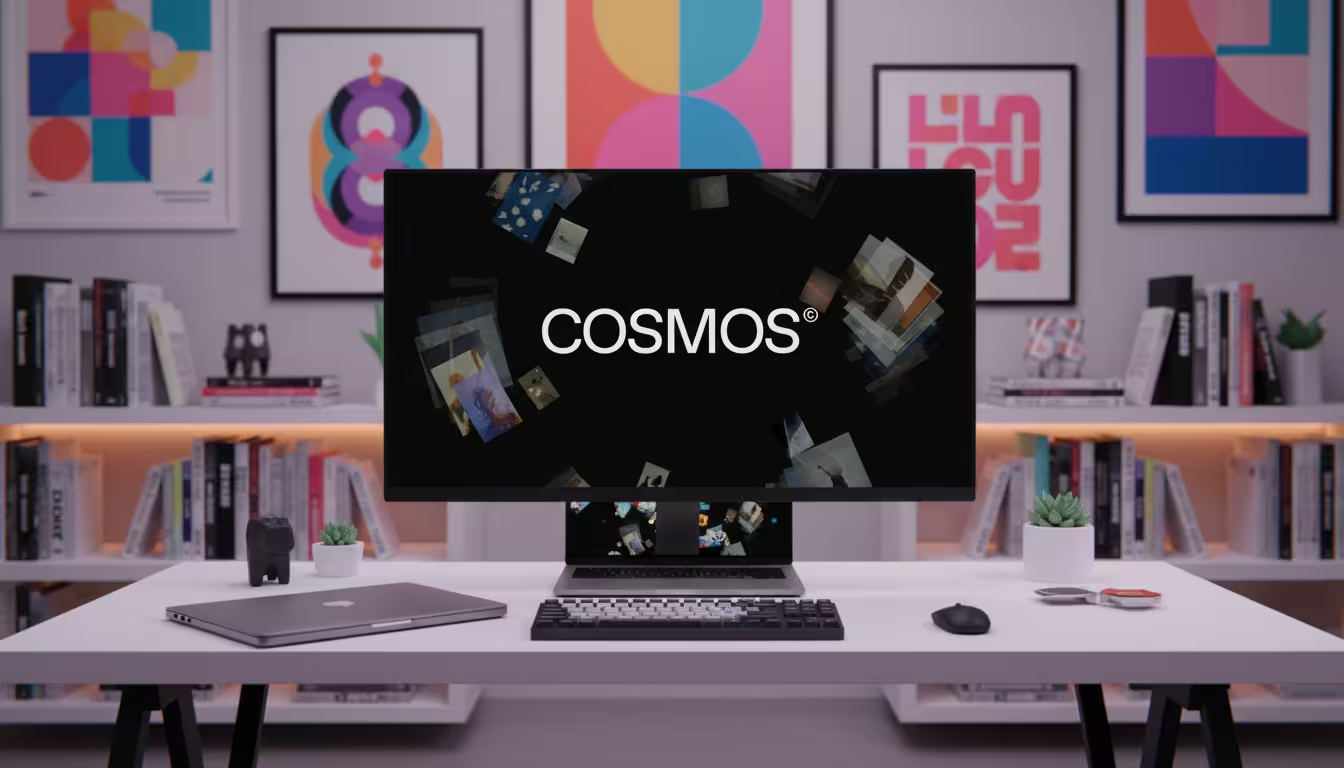
The Cosmos app is an ad-free, AI-curated visual discovery platform designed specifically for creative professionals. It functions as a private sanctuary where users can save, organise, and search high-quality inspiration using “Clusters” instead of traditional boards, whilst actively filtering out unwanted AI-generated imagery.
In our testing of the latest visual discovery tools, Cosmos stands out by favouring deep focus over algorithmic doom-scrolling. Here is exactly how to leverage this platform to elevate your creative workflow.
What is the Cosmos App?
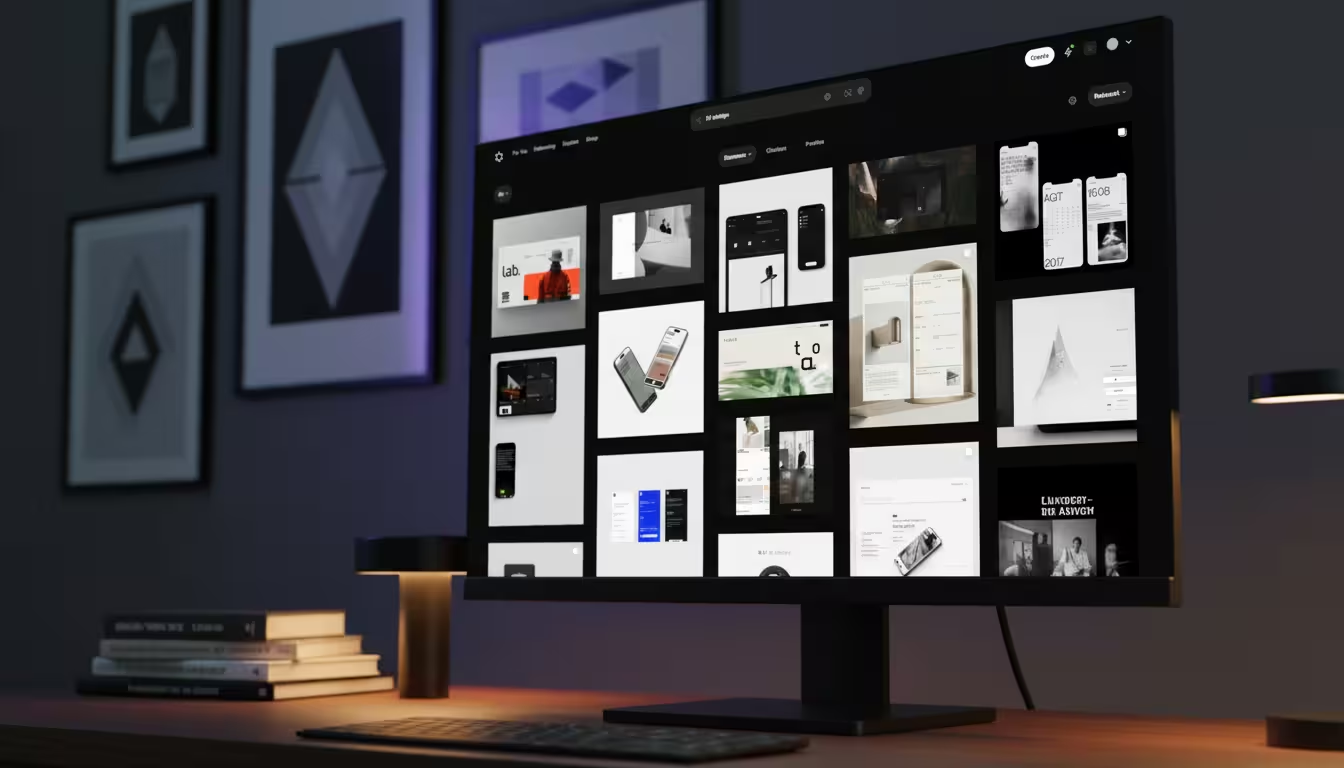
Cosmos is an AI‑powered inspiration app designed as a calm alternative to traditional social media for creatives like designers, architects, and artists.
It removes public likes, comments, and ads, so you can collect visual ideas without chasing engagement or dealing with negative feedback,
The following video from Design Discipline offers a comprehensive breakdown of what Cosmos.so has to offer.
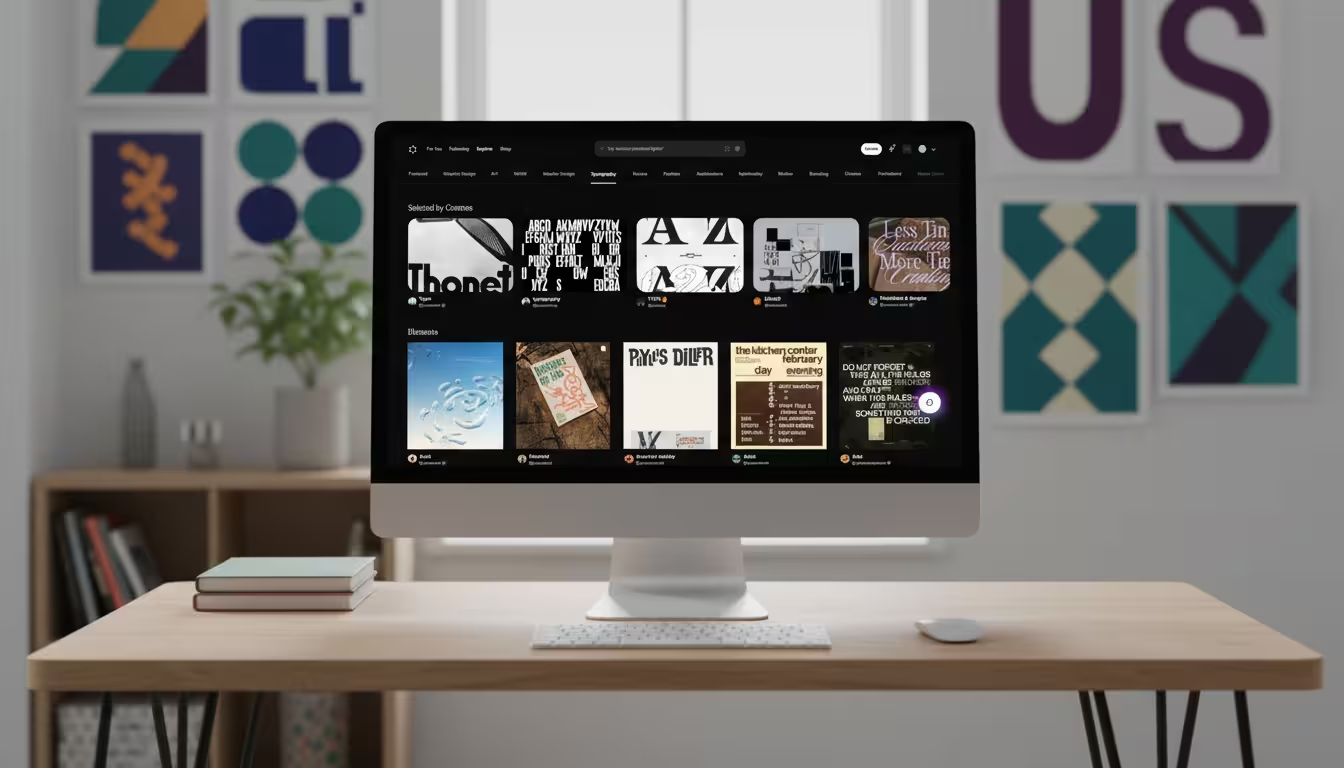
Instead of a social feed, it works more like a visual search engine and personal library: you save images, text, videos, and links into collections (often called “clusters”), then explore and organise them later.
Cosmos uses AI to auto‑tag what you save, detecting elements such as colour, mood, and style so you can search and filter by things like palette or similar images without manually adding metadata.
Content can come from your own uploads or from around the web (including platforms like Pinterest or Instagram), and you can capture it quickly via browser extensions or mobile.
For teams, a paid tier adds collaboration features so multiple people can contribute to shared clusters for moodboards, brand worlds, or project references. In practice, people often describe it as “social media without the negative bits”: a private, ad‑free space to map ideas, discover references, and stay inspired without external noise.
Is the Cosmos App Better Than Pinterest?
When comparing the two platforms for professional use, Cosmos offers several distinct advantages for high-level creative work.
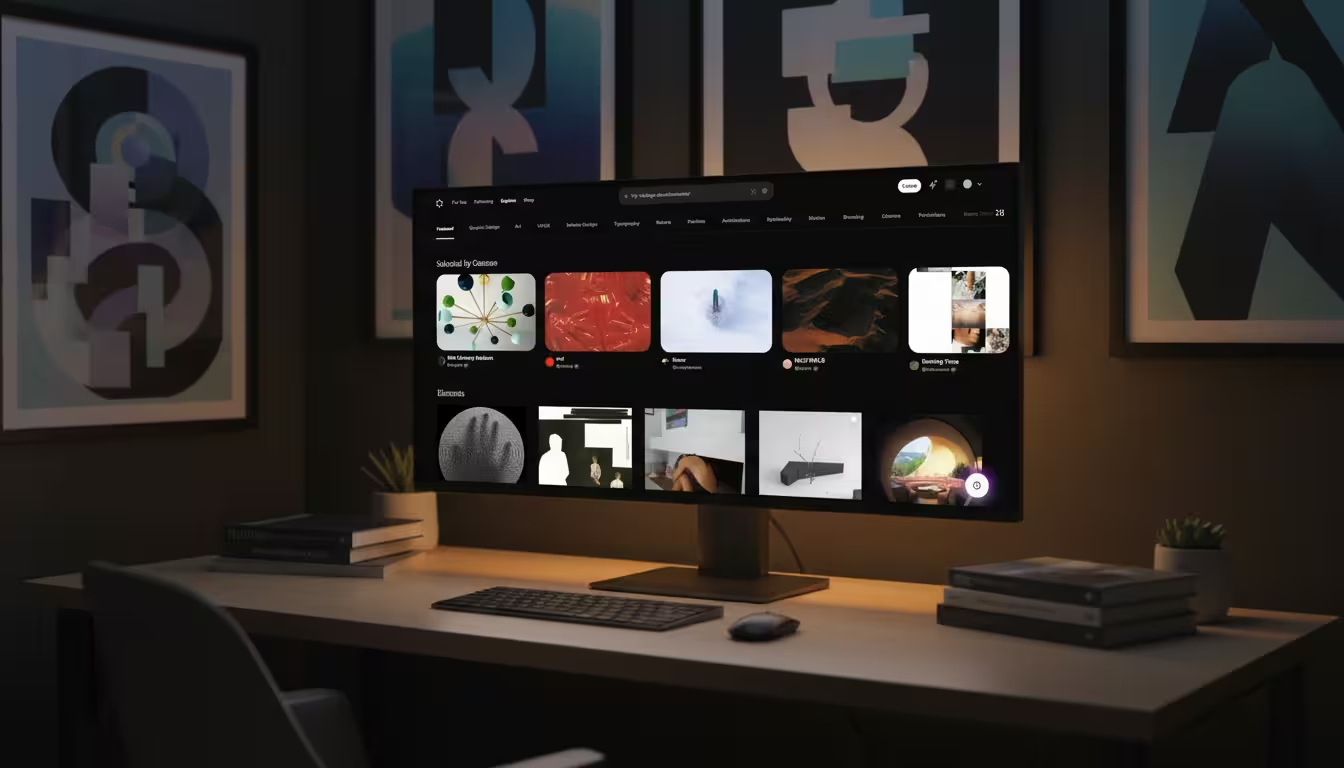
Instead of being bombarded with five sponsored posts for kitchen gadgets whilst looking for Bauhaus typography, Cosmos presents a clean, uninterrupted grid of high-fidelity design assets. The user interface simply gets out of the way.
Here are the three critical differences that set the platform apart:
- The AI Content Filter: Cosmos includes a highly requested toggle to hide AI-generated imagery. This ensures your mood boards remain grounded in authentic, human-made art and photography.
- Zero Advertisements: The interface is entirely free of sponsored product placements, protecting your creative headspace.
- No Censorship of Art: Unlike Pinterest, which frequently over-censors anatomical references and classical art, Cosmos allows unhindered curation for professional illustrators and sculptors.
The Cost of Curation: Free vs. Premium Tiers
Cosmos stays ad‑free by using a subscription model, so it does not rely on selling or monetising user data to generate revenue.
Instead, it nudges heavy users toward a paid plan once they’ve built up a substantial private library of inspiration.
How the free tier works
- The app is free to download and start using, with core features available at no cost.
- New users can save up to 500 pieces of content (images, screenshots, links, etc.) before hitting the free limit.
- Once you reach that 500‑save cap, you can still browse what you’ve already collected, but you’re effectively pushed to upgrade if you want to keep curating actively.
What you get with premium
- Premium is priced at about 8 USD per month (roughly 6.50 GBP), billed as a straightforward monthly subscription.
- Upgrading unlocks unlimited saves, which removes the 500‑item constraint and lets you build large, long‑term inspiration archives.
- Paid users also gain access to enhanced organisational and collaboration tools, including more control over how clusters look and how many elements you can add to them.
Why the 500‑save limit matters
- For casual users, 500 saves can last a while, making Cosmos feel genuinely usable before any paywall friction.
- For working creatives, that limit comes faster, so the “true” Cosmos experience—unlimited curation and deep search—effectively lives behind the subscription.
- This structure aligns with Cosmos’ positioning as a professional‑grade tool rather than a typical free social network funded by ads.
When framing this in a blog or review, you might position it alongside other subscription‑based creative tools and underline that the cost is similar to a single design plugin or SaaS utility per month, with the payoff being an ad‑free, data‑respectful space for visual thinking.
Beyond Pinterest: Cosmos vs. Are.na vs. myMind
In 2026, the “curation landscape” has split into several niche tools. Choosing the right one depends on your specific creative needs:
| Feature | Cosmos | Are.na | myMind |
| Primary Vibe | Visual Sanctuary | Intellectual Archive | Personal Brain Extension |
| Search Power | Visual/Color-based AI | Link & Text Heavy | Contextual/Intent AI |
| Social Element | Minimalist Following | Collaborative/Open | Entirely Private |
| AI Filtering | Strong (Hides AI-art) | None | N/A (Personal focus) |
- Are.na is better if you are mapping complex ideas, research papers, and obscure links. It has a “brutalist” UI that favors information over aesthetics.
- myMind is superior for “all-in-one” saving (notes, products, PDFs) but lacks the social discovery and visual flow that makes Cosmos feel like a gallery.
4 Expert Tips for Getting Started on Cosmos
To truly optimise your experience on the platform, you need to look beyond simply saving images and start building a functional library.
1. Install the Browser Extension
The Cosmos Chrome extension is the most powerful tool in the ecosystem. It allows you to right-click and seamlessly save any image, typography snippet, or layout design you find across the web directly into your workspace.
2. Master the Auto-Tagging System
Stop wasting time typing out descriptions. Because the platform uses backend AI to analyse your uploads, you can simply search your own library for “red typography” or “brutalist architecture” and Cosmos will instantly pull the relevant assets.
3. Organise with “Clusters”
Cosmos uses “Clusters” rather than boards. Treat these like dynamic project folders. You can easily drag and drop elements between interconnected clusters to build highly specific client presentations.
4. Connect with Tastemakers
While it lacks a traditional feed, you can still follow specific design studios and industry leaders. This allows you to discover high-quality references curated by professionals rather than a machine-learning algorithm.
The following video from K. Dilovan explains how to design and integrate Cosmos into your Gemini AI workflow.
Further Reading: Expert Cosmos Reviews & Tutorials
To deepen your understanding of how Cosmos fits into a professional creative workflow, these resources are worth bookmarking:
- How to use Cosmos: a beginner’s guide to the viral social media platform made for creatives – A step‑by‑step walkthrough of the interface, ideal if you’re arriving from Instagram or Pinterest and want to see how “clusters” and AI search feel in practice.
- What is Cosmos, the Pinterest alternative for creatives? – An opinionated review that explains why Cosmos positions itself as a “Pinterest for creatives,” with a cleaner UI, no ads, and no likes.
- How to Use Cosmos: The Ultimate Tool for Creatives to Curate Inspiration and Stay Organized – A practical blog + timelapse showing Cosmos in a real design workflow, including browser extensions, mood boards, and distraction‑free curation.
- Every moodboarding tool reviewed (Pinterest, Cosmos, Are.na, Foreplay…) – A video comparison that breaks down how Cosmos’ visual logic stacks up against Pinterest, Are.na, and other moodboarding tools, with concrete workflow examples.
- Cosmos Support Center – Official quick‑start and FAQ, covering setup, saving from the web, clustering, and AI‑powered search for teams and solo creatives.
Community Insights: Real‑World Workflows and Opinions about Cosmos
If you want to understand how Cosmos performs outside of polished marketing pages, community spaces are invaluable. They surface honest takes from designers, illustrators, and product folks who’ve stress‑tested the app in real projects.
Niche design blogs and newsletters – Independent designers sometimes publish workflow breakdowns with titles like “Why I moved my moodboards from Pinterest to Cosmos” or “Are.na vs Cosmos for research.” These posts are great for nuanced pros/cons, such as export options, link handling, and long‑term archiving.
Reddit discussions on Cosmos vs. Are.na
Search for threads like “Cosmos alternative to Pinterest” or “Cosmos vs Are.na workflow” on Reddit. These often break down where Cosmos excels (fast visual search, AI tagging, mobile capture) versus where Are.na wins (networked knowledge, block‑based thinking, more “public” research trails).
YouTube moodboarding reviews
Look for videos with titles such as “Pinterest vs Cosmos vs Are.na” or “Every moodboarding tool reviewed.” Creators typically screen‑share their live process, so you can see how quickly they can build moodboards, how search behaves, and how fluid it feels to move between projects.
Design Twitter / Mastodon / Bluesky
Many designers share quick Cosmos impressions alongside screenshots of their clusters. Searching for “Cosmos app Pinterest alternative” or “Cosmos moodboard workflow” will surface threads comparing it to Pinterest, Are.na, Milanote, and FigJam moodboards.
How Cosmos Enhances Professional Workflows
In our agency testing, we found that switching to Cosmos significantly reduced the time spent building client mood boards.
Because the platform auto-indexes colour palettes and visual weights, designers can pull together cohesive brand identities in minutes. According to research from the University of the Arts London on visual cognition, clutter-free environments drastically improve creative problem-solving.
For a deeper dive into streamlining your agency’s output, read our comprehensive Pillar Guide on Modern Design Operations for 2026.
Summary and Next Steps
The Cosmos app is more than just a Pinterest alternative; it is a fundamental shift in how creatives collect and organise visual data. By eliminating ads, filtering out AI slop, and providing frictionless saving tools, it has rightly earned its reputation as a sanctuary for design professionals.
You can read about the future of Cosmos in their recent blog post here.
Ready to upgrade your tech stack?
Contact our team today for a consultation on the best digital tools for your design agency, or explore our latest article on How to Integrate AI into Your Creative Pipeline.