
If you want to understand what your audience is actually searching for online, Google Search Console should be the first place you look. This free tool from Google reveals exactly how people find your website, what search terms bring them there, and where your content is falling short. For businesses serious about building a smarter digital strategy, it is an essential resource.
The good news is that Google Search Console has become even more powerful in recent years. With the introduction of AI-powered configuration, enhanced Insights reports, and social channel integration, you now have access to richer data than ever before. This guide will walk you through how to use these features to understand your audience, refine your content, and strengthen your online presence.
What Is Google Search Console and Why Does It Matter?
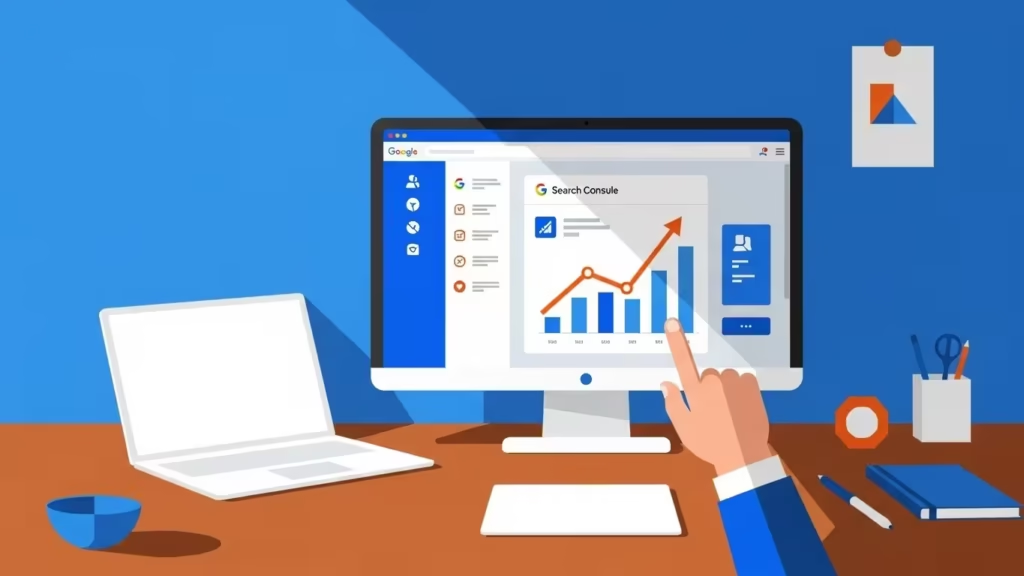
Google Search Console is a free platform that shows you how Google views your website. Unlike analytics tools that track visitor behaviour after they arrive, Search Console tells you what happens before the click. It reveals the search queries that trigger your site in results, how often you appear, and how frequently users actually click through.
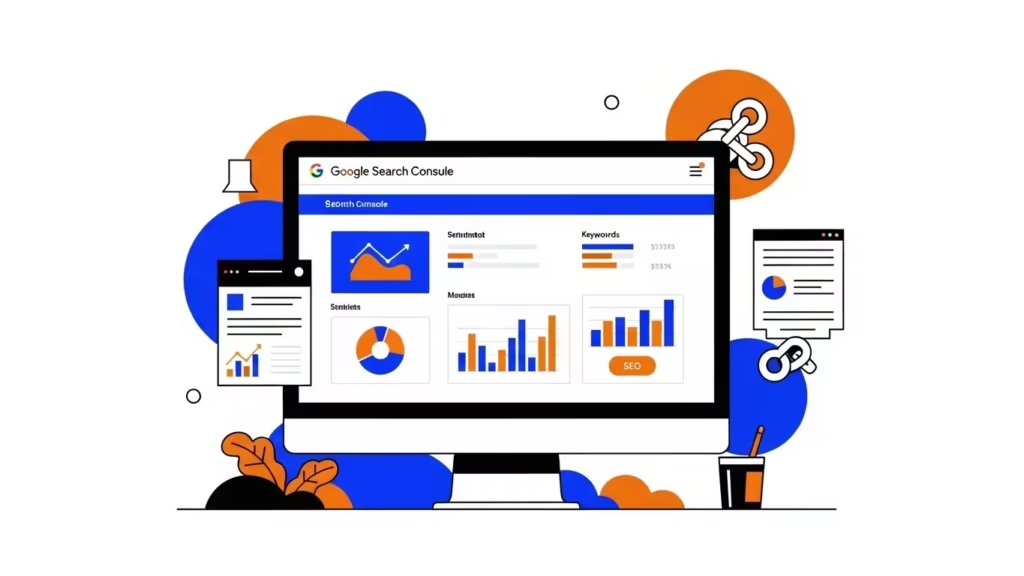
For designers, business owners, and marketers, this data is invaluable. It connects the dots between what your audience wants and what your website delivers. When you understand this relationship, you can create content that genuinely resonates rather than guessing what might work.
Setting Up Google Search Console for Success
Before diving into strategy, you need to ensure your property is correctly configured. Google offers two verification methods: domain-level verification (which covers all subdomains and protocols) and URL-prefix verification (which covers only a specific URL structure). For most businesses, domain-level verification provides the most complete picture.

Once verified, submit an updated XML sitemap to help Google crawl your site efficiently. According to recent guidance from Search Engine Land on December 2025 core updates, maintaining a clean sitemap with only current, relevant pages helps Google index your content faster and more accurately.
Understanding the Performance Report
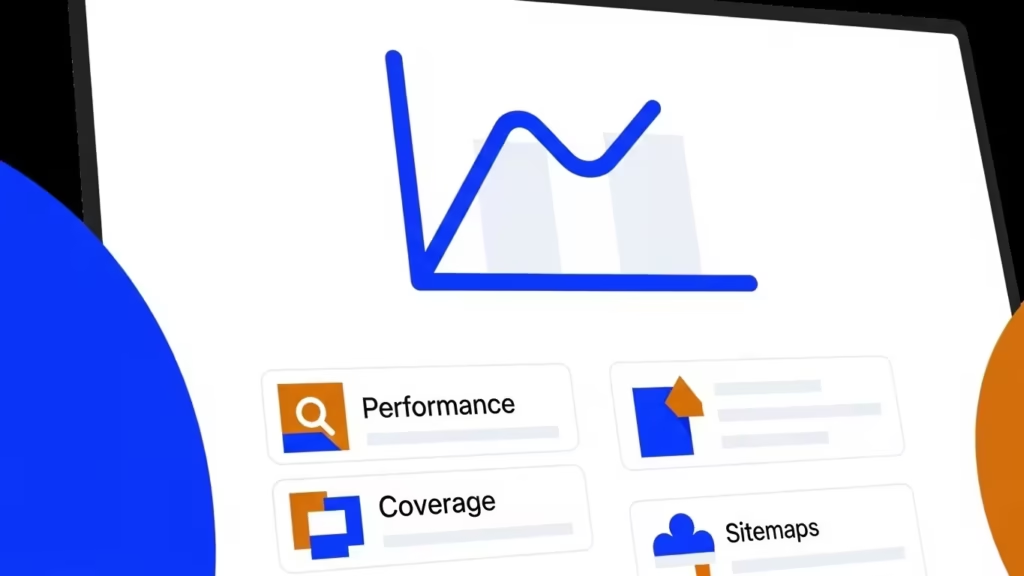
The Performance report is the heart of Google Search Console. It displays four key metrics:
| Metric | What It Measures |
|---|---|
| Clicks | The number of times users clicked through to your site from search results |
| Impressions | How often your pages appeared in search results, whether clicked or not |
| Average CTR | The percentage of impressions that resulted in a click |
| Average Position | Your average ranking position for queries where your site appeared |
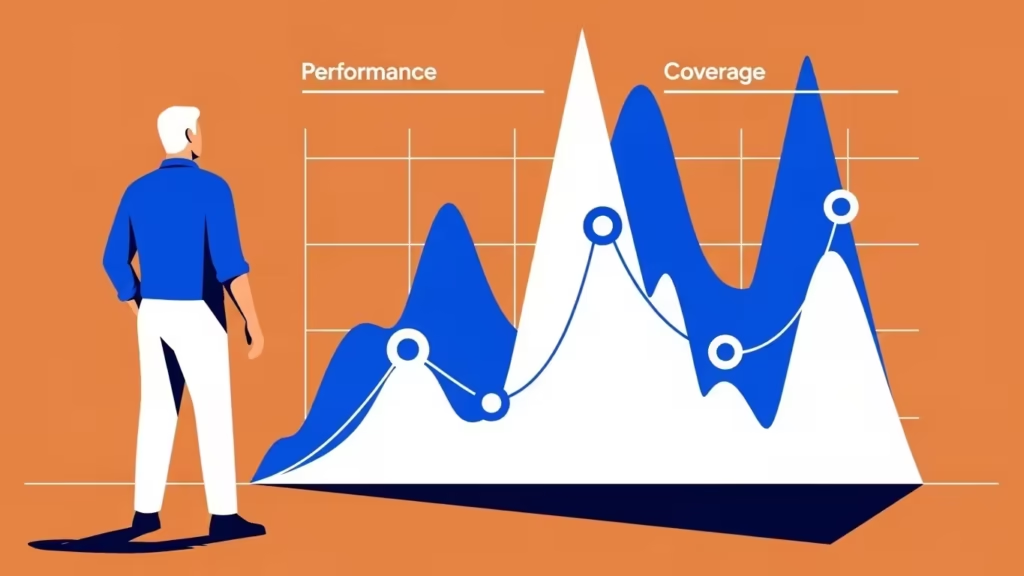
These metrics work together to tell a story. High impressions with low clicks might indicate that your title tags and meta descriptions need improvement. A strong average position with weak CTR suggests users see your listing but are choosing competitors instead.
Using Search Terms to Understand Audience Requirements
The Queries section within the Performance report reveals exactly what people type into Google before finding your site. This is where strategic insight begins.
Filter your queries by date range and look for patterns. Which questions do people ask repeatedly? What problems are they trying to solve? These search terms represent real intent from real people in your target market.
For example, if you notice queries like “how to choose a website designer in Scotland” appearing frequently, you know there is demand for educational content around that topic. Creating a comprehensive guide addressing that query could capture additional traffic and position your business as a helpful authority.
The new Insights report, recently updated for 2025, now groups similar queries together, making it easier to spot trends without wading through thousands of individual terms. Queries are categorised as top performing, trending up, or trending down, giving you immediate visibility into what content is gaining or losing traction.
AI-Powered Configuration: A Game Changer for Reporting
One of the most significant recent additions to Google Search Console is the experimental AI-powered configuration feature. Rather than manually applying filters and building comparisons, you can now describe what you want to analyse in plain language.
For instance, you might type: “Compare traffic to my blog pages this quarter versus the same quarter last year.” The system automatically applies the correct filters, selects relevant metrics, and creates comparison views.
This feature, announced by Google in December 2025, dramatically reduces the time spent configuring reports and allows you to focus on interpreting patterns rather than clicking through menus. While it is still rolling out gradually, it signals a shift toward more assistant-driven analysis within the platform.
Leveraging the Insights Report for Quick Wins
The Insights report offers a simplified overview of your site’s performance, designed for content creators who want actionable information without deep technical knowledge. It surfaces your best-performing content, highlights pages trending upward or downward, and shows which countries your traffic comes from.
One particularly useful feature is the distinction between branded and non-branded traffic. Branded searches include your business name, indicating strong brand recognition. Non-branded searches relate to general topics, showing how well your content performs for users who do not yet know you exist.
For businesses building their digital strategy, growing non-branded traffic often represents the bigger opportunity. It means reaching new audiences through helpful content rather than relying solely on existing customers searching directly for your name.
Monitoring Index Coverage and Technical Health
A brilliant content strategy means nothing if Google cannot find your pages. The Index Coverage report identifies pages that have been indexed, excluded, or encountered errors.
Common issues include:
- Pages marked as “Crawled – currently not indexed” where Google has seen the page but chosen not to include it
- Duplicate content issues where canonical tags may be misconfigured
- Redirect chains that slow down crawling
Addressing these technical problems ensures your most important pages appear in search results. As the January 2026 Google Webmaster Report noted, Search Console’s indexing reports have recently been updated with improved data accuracy, making it easier to identify and resolve these issues.
Core Web Vitals and Mobile Usability
User experience directly impacts rankings. The Core Web Vitals report measures three key performance indicators:
- Largest Contentful Paint (how quickly main content loads)
- Interaction to Next Paint (how responsive your site feels)
- Cumulative Layout Shift (how stable your layout is during loading)
Pages that fail these metrics may rank lower and certainly provide a poorer experience for visitors. The Mobile Usability report flags specific issues affecting smartphone users, which matters enormously given that mobile searches now dominate.

Fixing performance problems improves both rankings and conversion rates. A faster, more stable site keeps visitors engaged rather than driving them to competitors.
Building Content Strategy from Search Data
With your Search Console data in hand, you can build a content strategy rooted in evidence rather than assumption. Start by identifying:
Content gaps where queries show demand but you lack relevant pages. If users search for topics you have not addressed, creating that content captures traffic you are currently missing.
Underperforming content that ranks on page two or three but could be improved. Pages hovering around positions 11-20 often need only modest enhancements to break onto page one.
Successful formats that consistently attract clicks. If your how-to guides outperform your product pages, consider producing more educational content.
The goal is to let audience behaviour guide your editorial calendar. Rather than guessing what might interest people, you respond to demonstrated demand.
Integrating Social Channels for a Complete Picture
Google Search Console Insights now includes experimental social channel integration, allowing you to view performance metrics for related YouTube, Instagram, and TikTok profiles alongside your website data. This provides a more unified view of how audiences discover your brand across platforms.
While this feature is still being developed, it reflects the growing reality that digital strategy extends beyond traditional search. Your audience may encounter your content through video, social feeds, or AI-generated summaries before ever visiting your website directly.
Key Strategies for Using Search Console Effectively
The following approaches will help you maximise the value of Google Search Console for your digital strategy:
- Review your Performance report weekly to spot trends early rather than reacting to problems after they compound
- Use the Queries data to identify content opportunities and understand the language your audience actually uses
- Monitor Index Coverage monthly to catch technical issues before they affect visibility
- Check Core Web Vitals quarterly and address any pages marked as needing improvement
- Export data regularly for historical comparison, as Search Console only retains 16 months of history
- Leverage AI-powered configuration to create complex reports quickly without manual filter adjustments
- Track branded versus non-branded traffic to measure brand awareness growth alongside content performance

Frequently Asked Questions
How often is Google Search Console data updated?
Most data in Google Search Console updates daily, though there is typically a delay of two to three days. The Insights report and Performance data reflect recent activity but are not real-time.
Can Google Search Console show traffic from AI Overviews?
Yes, Google has confirmed that traffic from AI Mode is now included in standard Search Console Performance reports. Clicks and impressions from AI-driven results are blended into your web search totals.
What is the difference between Search Console and Google Analytics?
Search Console shows how users find your site through Google Search, including queries and rankings. Google Analytics tracks what visitors do after they arrive. Both tools complement each other for a complete understanding of performance.
How do I fix pages that are crawled but not indexed?
Review the content quality and ensure the page provides unique value. Check that internal links point to the page and that it is not blocked by robots.txt. Sometimes consolidating thin content into more comprehensive pages resolves the issue.
Is Google Search Console free to use?
Yes, Google Search Console is entirely free for anyone who can verify ownership of a website property.
Conclusion
Google Search Console transforms guesswork into informed decision-making. By understanding what your audience searches for, how they find your content, and where technical issues limit your visibility, you can build a digital strategy that genuinely connects with the people you want to reach.
The platform continues to evolve with AI-powered features and richer insights, making it more valuable than ever for businesses serious about their online presence. Start with the fundamentals, explore the data regularly, and let real search behaviour guide your content priorities. Your audience is already telling you what they want. Search Console simply helps you listen.